How OpenClaw VPS works
From sign-up to a running bot in minutes. No servers to configure, no infrastructure to manage — just your AI assistant, hosted and ready.
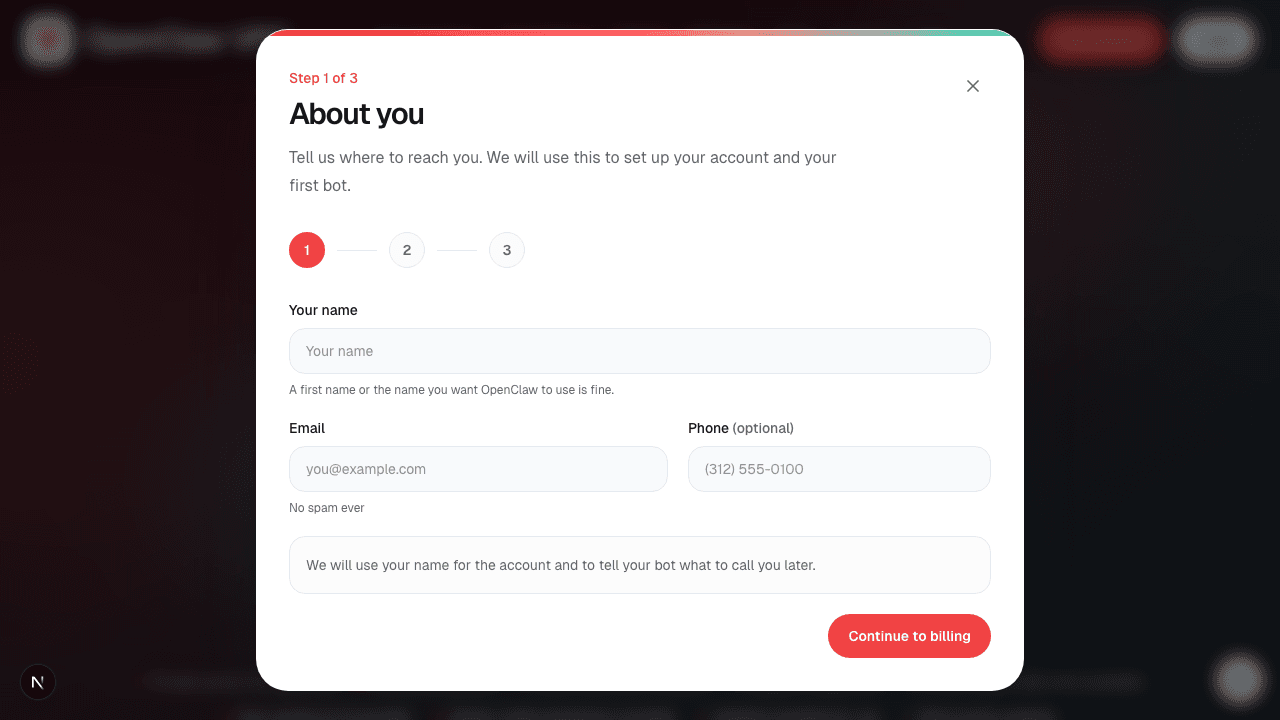
Sign up in minutes
Create your account with just your name, email, and billing details. No server setup required.
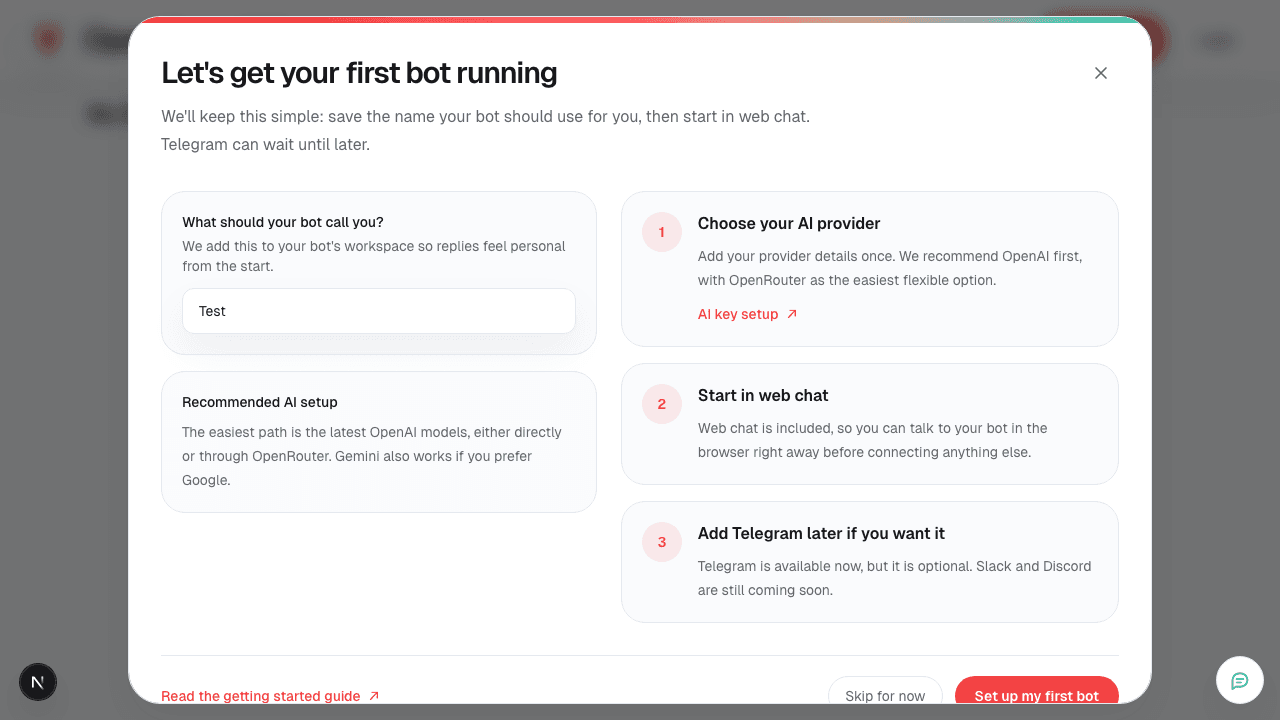
Set up your first bot
Save the name your bot should use for you, then choose your AI provider. Start in web chat, add Telegram later.
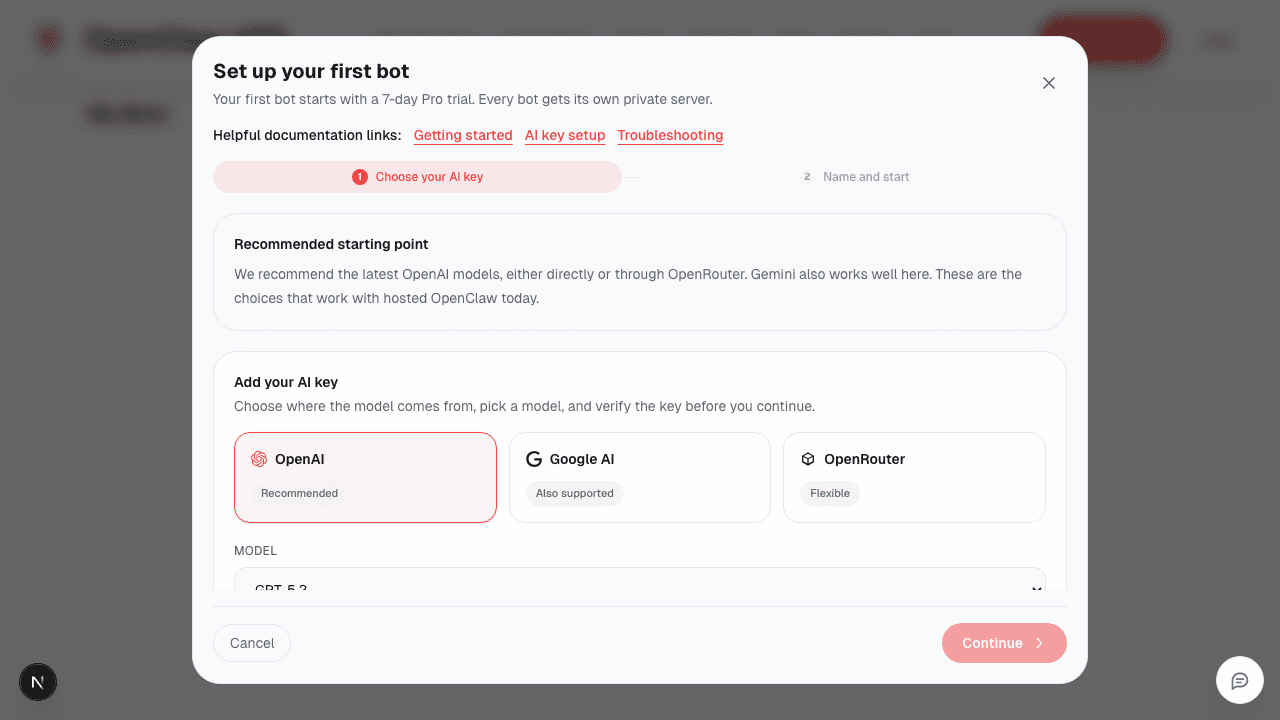
Configure your bot
Pick your AI provider (OpenAI, Google AI, OpenRouter), add your API key, and choose a messaging app. Every bot gets its own private server.
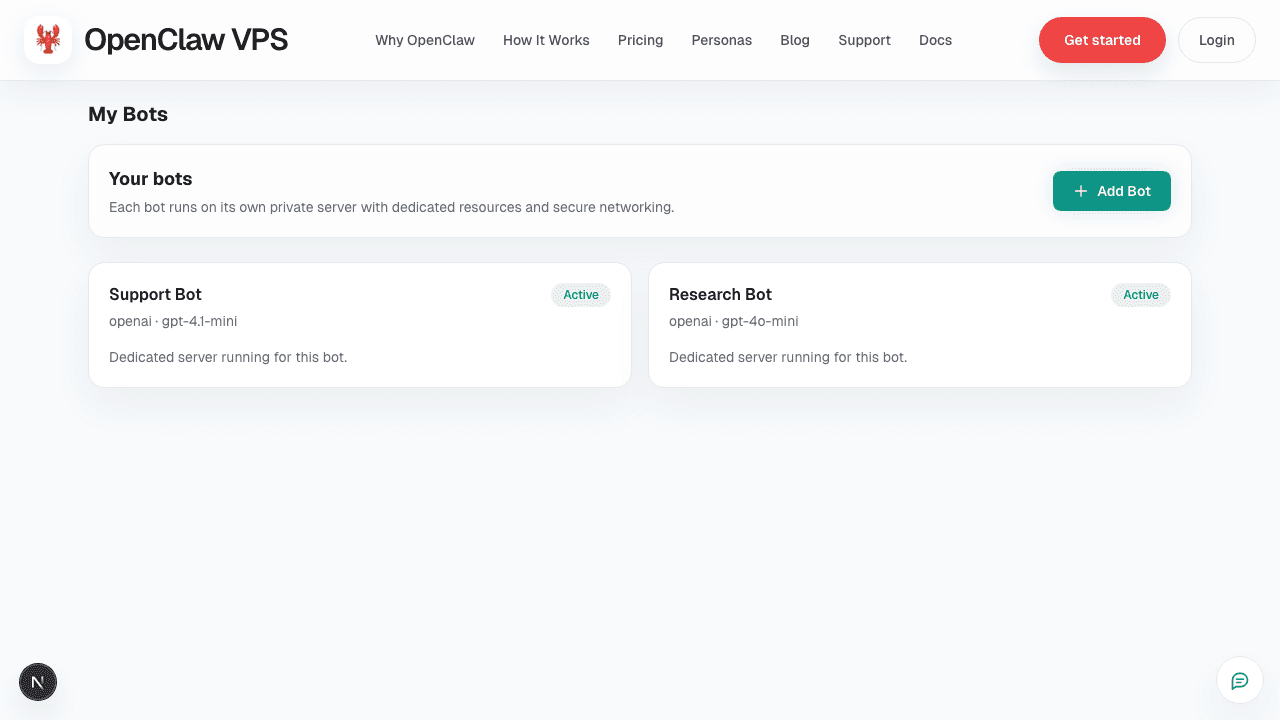
Manage your bots
Your dashboard shows all your bots at a glance. Monitor status, add more bots, and manage everything from one place.
What you get inside the dashboard
Click into any bot to see health, logs, configuration, files, and more — all in one place.
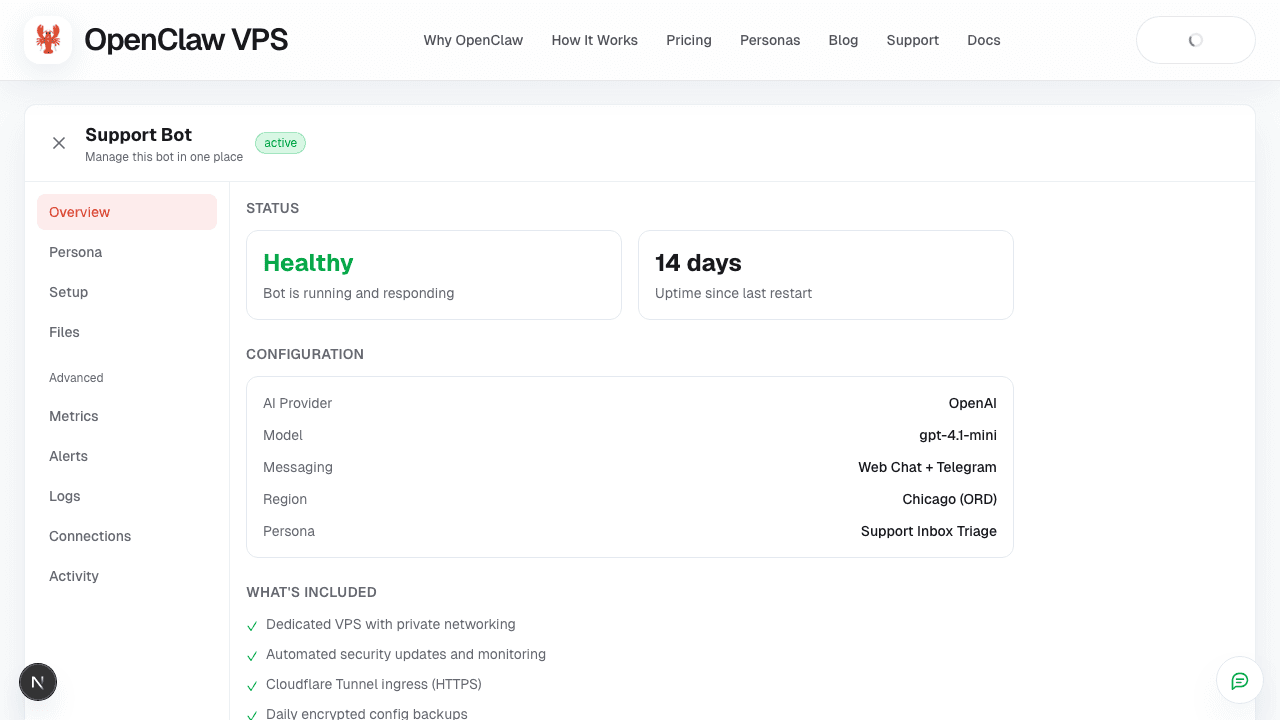
Bot overview
See health status, uptime, AI configuration, connected channels, and what is included with your bot at a glance.
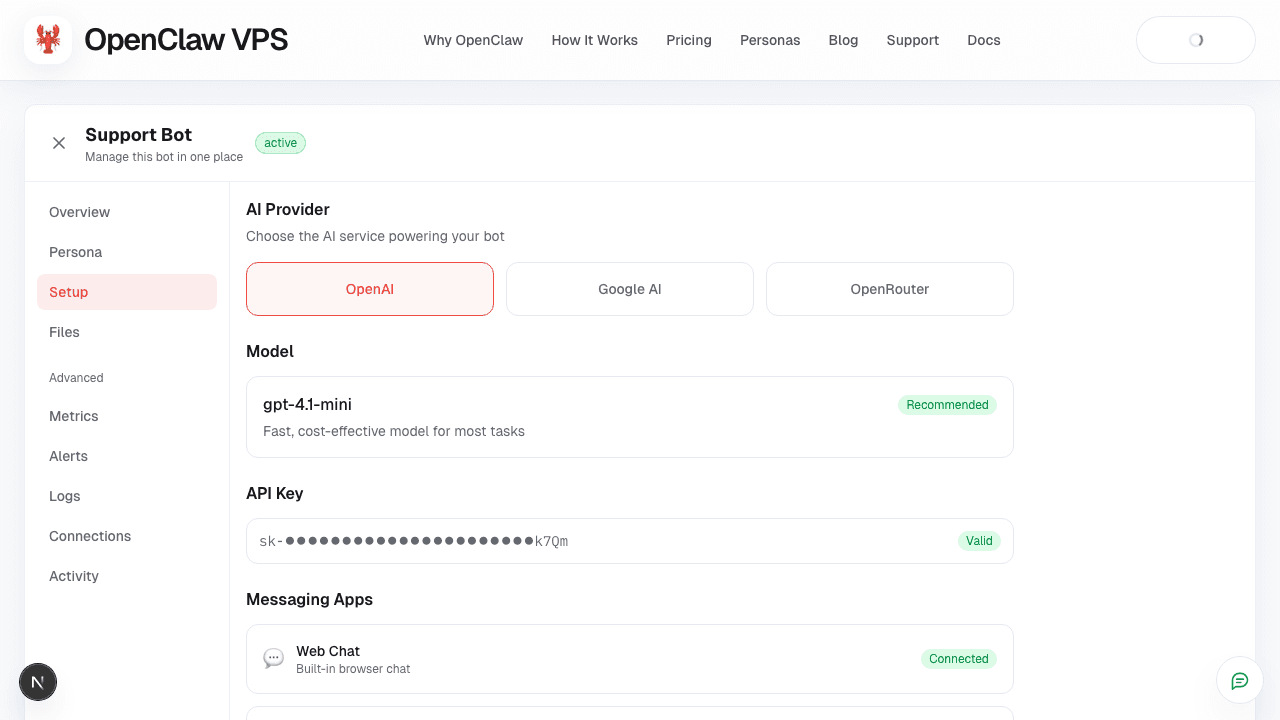
AI and channel setup
Choose your AI provider (OpenAI, Google AI, OpenRouter), set your API key, and connect messaging apps like Telegram and web chat.
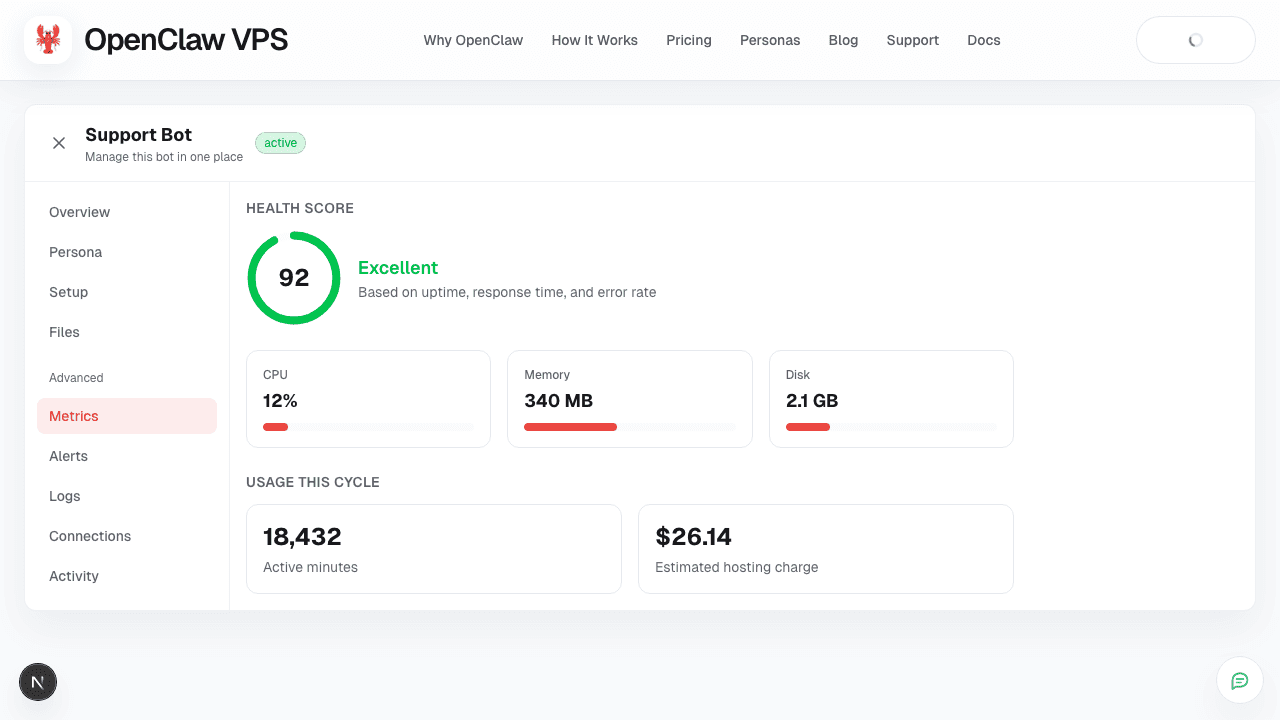
Live metrics
Track CPU, memory, disk, health score, and active minutes in real time. See estimated hosting charges for the current billing cycle.
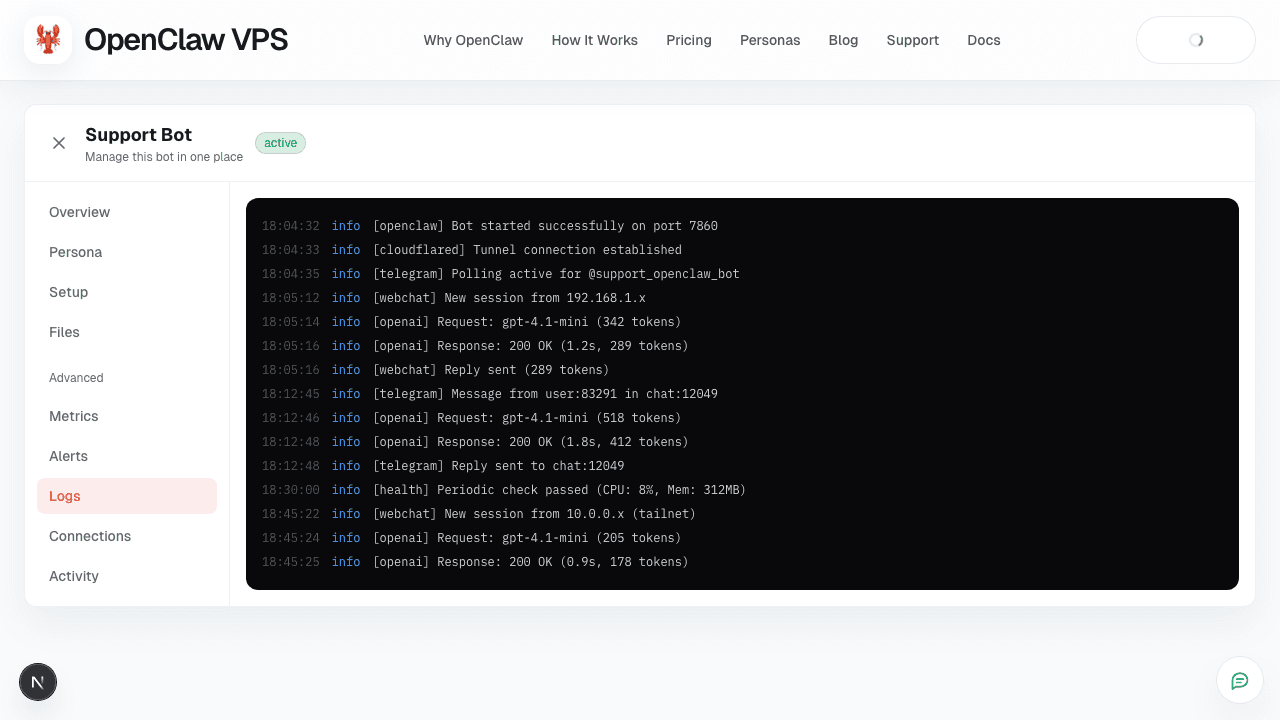
Real-time logs
Stream logs live from your bot or browse synced history. See every request, response, and connection event.
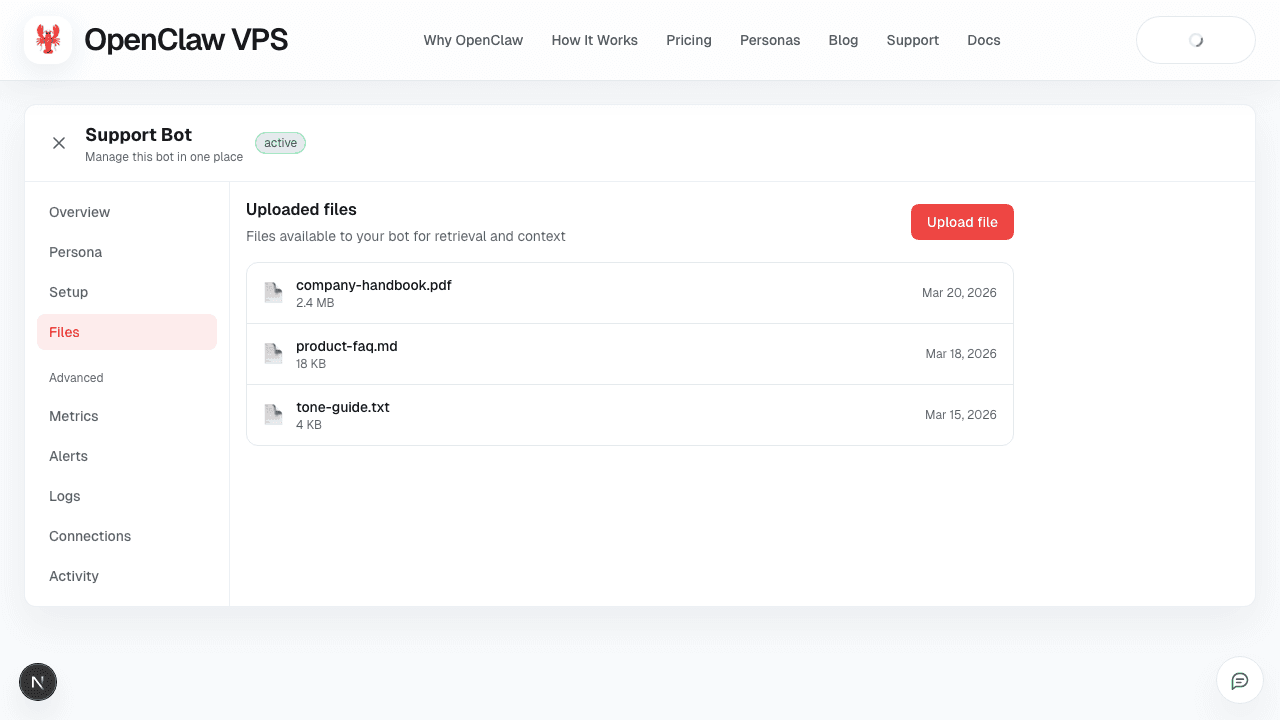
File management
Upload documents, FAQs, and guides for your bot to use as context. Manage everything from the dashboard.
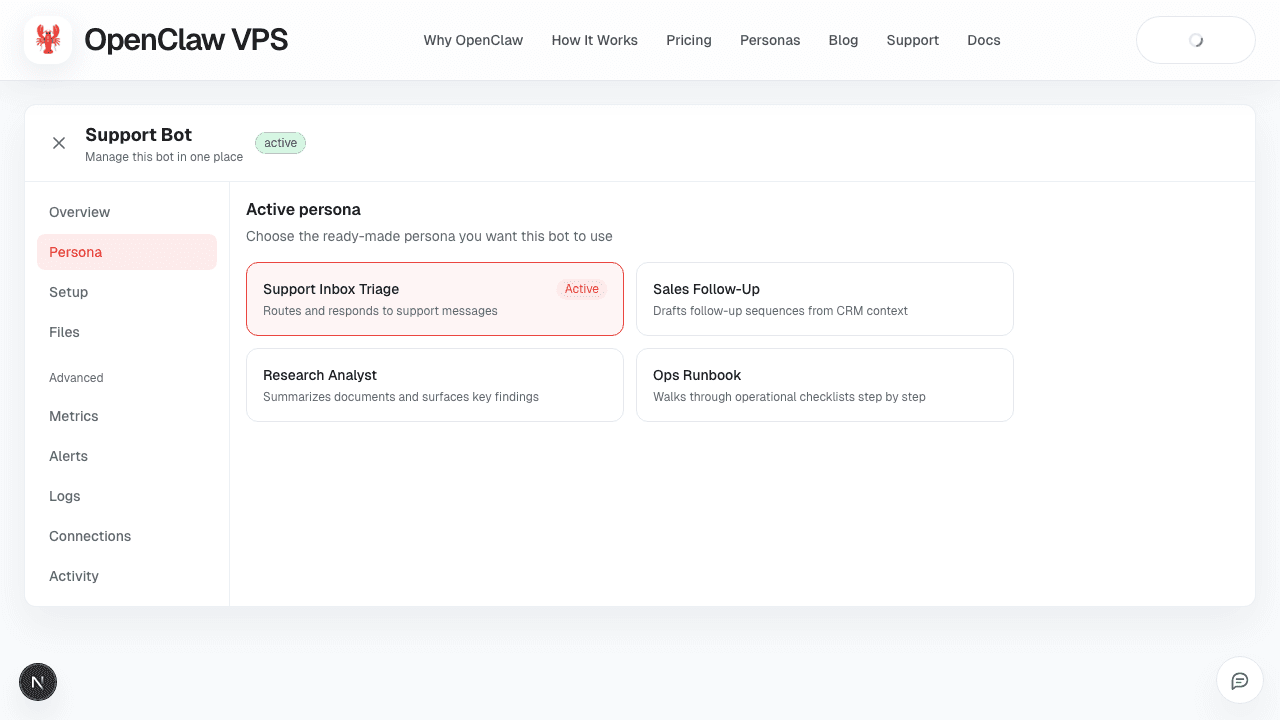
Ready-made personas
Every paid bot includes personas for support, follow-up, research, and operations. Try different ones without paying extra.
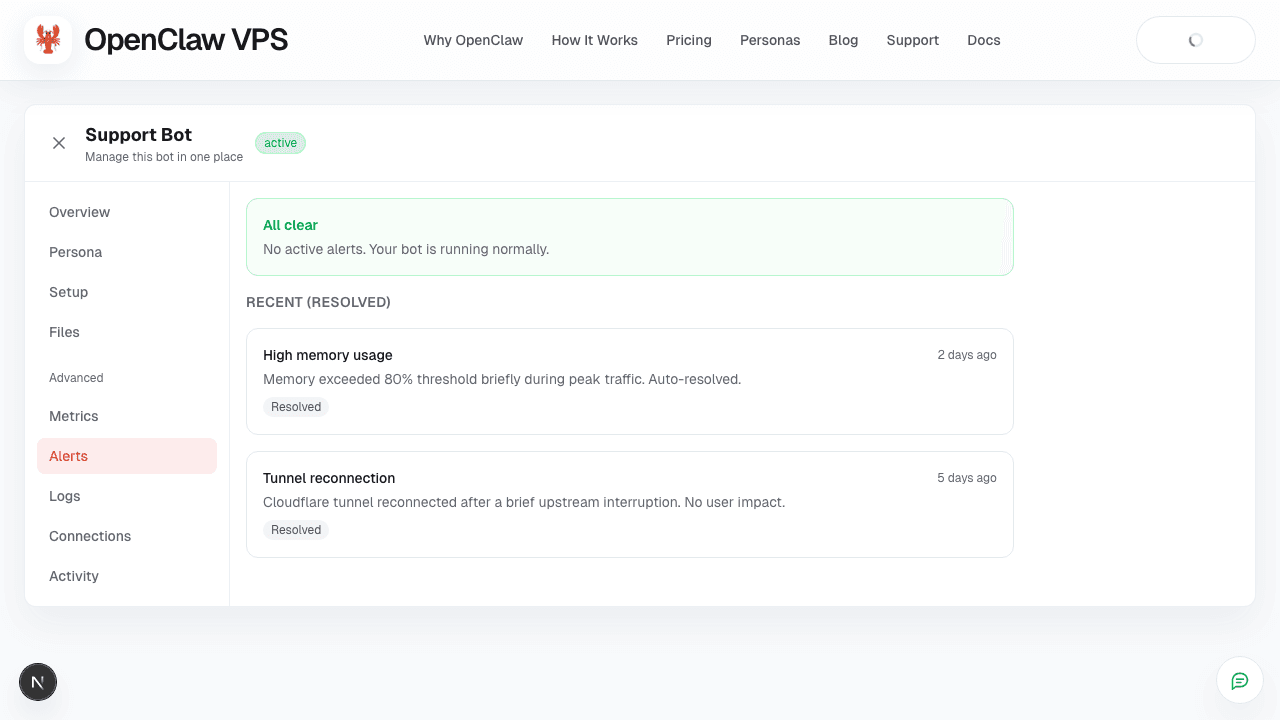
Alerts and incidents
Get notified about high memory, tunnel reconnections, and other events. See resolved history so nothing gets lost.
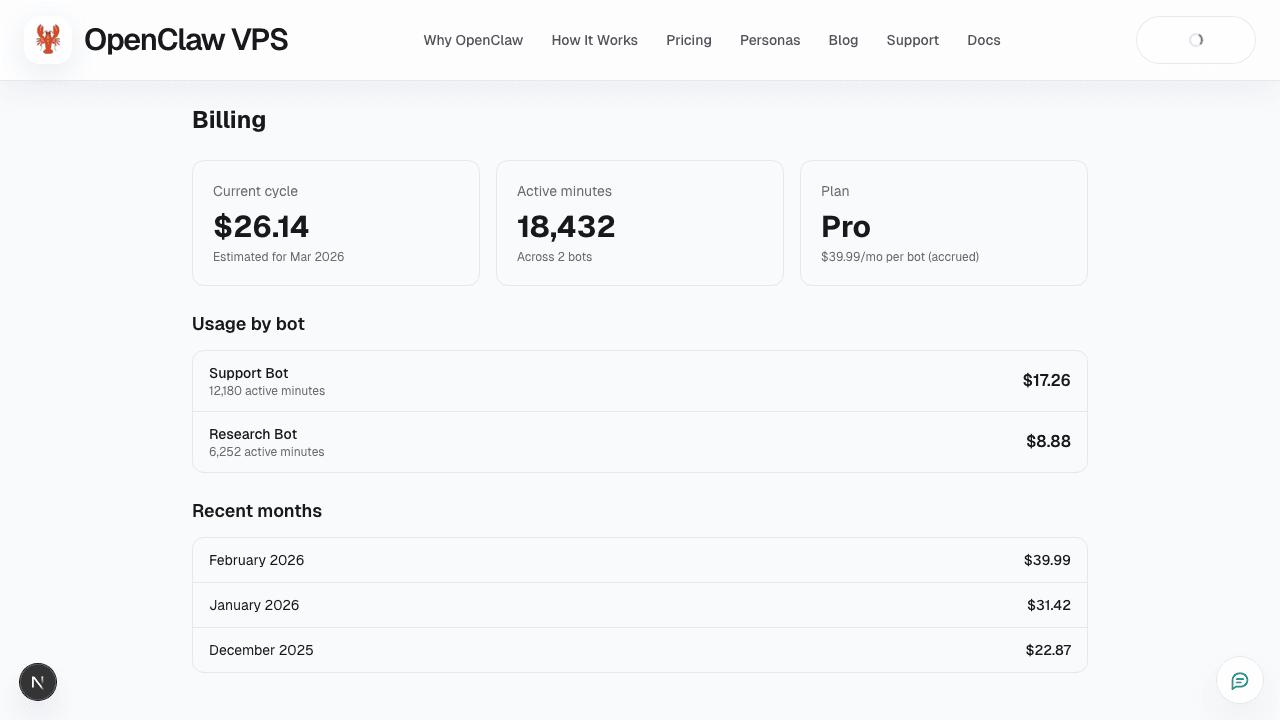
Billing and usage
Track accrued costs per bot, view monthly history, and understand exactly what you are paying for.
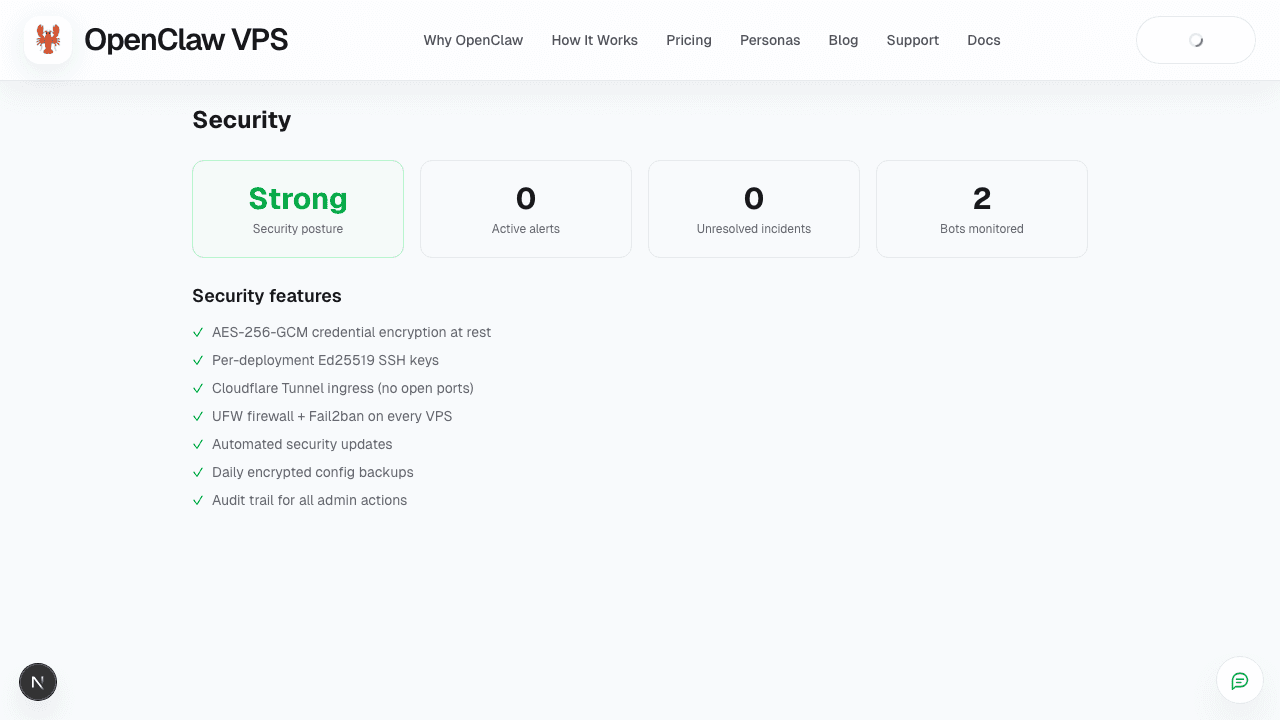
Security posture
AES-256 encryption, per-bot SSH keys, Cloudflare tunnels, firewalls, and automated updates — all built in.
Start your free 7-day Pro trial
Get your first hosted bot running in minutes. No credit card required to start — cancel any time if it is not the right fit.